
Choosing a VPN for Linux is less about flashy marketing and more about practical compatibility: does it actually work well on your distro, does it include the safety features you need (like a reliable kill switch), and is it easy to manage day to day. Linux users also face a unique split between GUI and CLI apps, different levels of feature parity compared to Windows/macOS, and occasional “DIY” requirements when you want strict leak protection or always-on behavior.
In this guide, we compare five popular VPN providers for Linux—ExpressVPN, Proton VPN, Private Internet Access (PIA), NordVPN, and Surfshark—and explain what matters most before you subscribe. You’ll learn how to evaluate Linux app support, protocols, performance expectations, and key privacy tradeoffs, plus how to set up safer defaults for real-world use. We also cover usage rules, technical and legal limitations (including region-specific risks), and the basics of protecting your personal data when a VPN is part of your security stack.
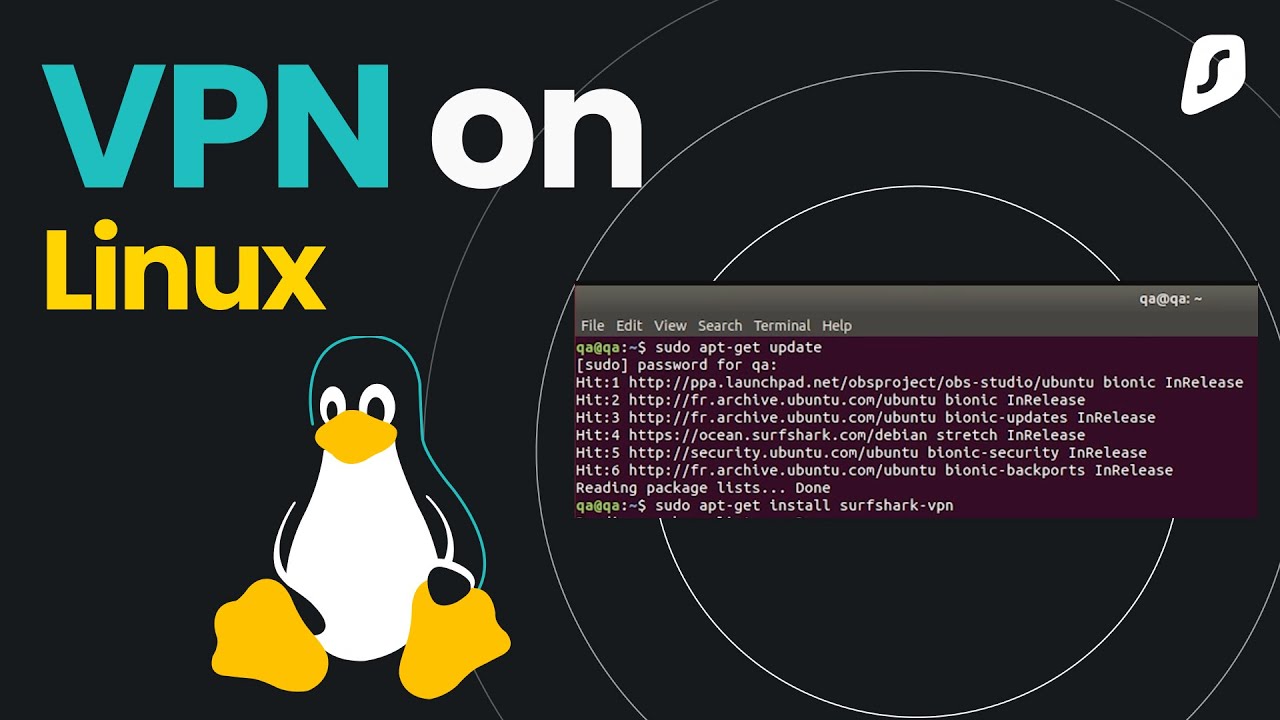
TOP-5 VPN for Linux (2026)
- ExpressVPN: Notable on Linux for a modern app experience (including GUI), split tunneling, and an “advanced kill switch” mode that can block internet access unless the VPN is connected.
- Proton VPN: Strong Linux focus with official distro support (Debian/Ubuntu/Fedora) and a privacy-oriented product positioning that appeals to security-conscious users.
- Private Internet Access (PIA): Emphasizes Linux client engineering and includes kill switch options; positioned as a flexible choice for power users.
- NordVPN: Commonly ranked among top Linux VPN options in major “best for Linux” lists; validate Linux app features vs. your needs before purchase.
- Surfshark: Promotes a Linux VPN app experience and is often recommended in “best Linux VPN” shortlists; good when you need broad device coverage.
VPN comparison table (Linux)
| VPN | Linux app (GUI/CLI) | Protocols on Linux | Kill switch on Linux | Split tunneling on Linux | Notable “fit” / notes |
|---|---|---|---|---|---|
| ExpressVPN | Linux app includes a GUI (recently introduced) and is positioned as a modern Linux experience. | Protocol options depend on the Linux app configuration; verify in the app/support docs for your distro and version. | ExpressVPN’s Linux app documents an “advanced kill switch” option (“block internet when unable to connect or reconnect to VPN”). | ExpressVPN highlights split tunneling availability for Linux in its Linux app coverage. | Best when you want a polished Linux UX and built-in safety controls (kill switch + split tunneling). |
| Proton VPN | Proton states Linux GUI supports OpenVPN + WireGuard; Linux CLI “always uses WireGuard”. | OpenVPN + WireGuard (GUI); WireGuard (CLI). | Proton states its Linux GUI includes a built-in kill switch; Proton also explains what kill switch is and why it matters. | Not confirmed in the cited docs here; verify before relying on it. | Strong privacy positioning and clear Linux protocol support; good if you specifically want WireGuard on Linux. |
| PIA (Private Internet Access) | PIA emphasizes it built a strong Linux app and focuses on Linux client engineering. | Protocols and options vary by app version; verify in PIA’s current Linux client settings/docs. | PIA promotes kill switch capability as a VPN feature, and highlights Linux app quality. | Not confirmed in the cited sources here; verify if split tunneling is required. | Often chosen by power users who want configurability and a Linux-first mindset. |
| NordVPN | Linux support is primarily CLI-driven in many setups; confirm your distro instructions in Nord docs. | Protocol support varies by platform and setup; verify in Nord’s Linux client docs. | Nord’s support docs state the Linux client can disable system-wide internet access if the VPN breaks/disconnects, and show CLI commands to toggle it. | Not confirmed for Linux in the cited sources; do not assume split tunneling on Linux without checking. | Good if you’re comfortable with CLI management and want a clearly documented Linux kill switch. |
| Surfshark | Surfshark provides a Linux download/app page (Linux app availability is explicit). | Protocol support varies by app/version; confirm in Surfshark Linux documentation for your build. | Kill switch details on Linux are not confirmed in the cited official page here; verify in Surfshark docs/settings before relying on it. | Not confirmed in the cited official page; verify based on your use case. | Often picked for broad everyday use; confirm Linux feature parity (kill switch/split tunneling) before committing. |
How a VPN helps on Linux
A VPN creates an encrypted tunnel between your Linux device and the VPN server, reducing exposure to local network snooping (public Wi‑Fi) and often masking your public IP from visited sites.
A VPN does not automatically make you anonymous, does not delete tracking cookies, and does not protect you if your device is compromised by malware or if you install untrusted software.
On Linux, the practical security outcome depends heavily on whether you have leak protection and a dependable kill switch (provider-based or firewall-based).

Selection criteria (technical + personal)
- Linux app quality (GUI/CLI): Prefer a provider with an actively maintained Linux app and clear documentation for your distro, because Linux feature parity can differ from Windows/macOS.
- Kill switch behavior: For maximum safety, choose a VPN that offers an “always-on”/advanced kill switch mode (or implement a firewall kill switch) to avoid accidental IP leaks when the tunnel drops.
- Split tunneling: Useful when some apps must bypass the VPN (local banking, LAN services) while others must always use it; ExpressVPN highlights split tunneling on Linux in its app announcements.
- Privacy posture: Treat a VPN as a tool that shifts trust from ISP/Wi‑Fi to the VPN provider; pick a provider whose policies and product choices match your threat model.
Setup guide (Linux-first, provider-agnostic)
- Step 1 — Choose installation method: Use the official Linux package/app when available; prefer vendor repositories/packages over random third-party builds to reduce supply-chain risk.
- Step 2 — Enable the kill switch: If your VPN supports an advanced/always-on kill switch, enable it to block all traffic unless the VPN is connected (ExpressVPN documents this “Enable at all times” option in its Linux app).
- Step 3 — Consider split tunneling: If you need LAN access (printers/NAS) while connected, configure split tunneling (ExpressVPN highlights split tunneling options in its Linux app feature set).
- Step 4 — Add a firewall kill switch (optional but strong): A common Linux strategy is “default deny + allow only via VPN interface,” so if the VPN interface goes down there’s no fallback route that leaks traffic.
- Step 5 — Verify behavior: Test reconnection scenarios (sleep/resume, network changes, Wi‑Fi drop) to confirm the kill switch really blocks traffic until the tunnel is restored.
Rules of use, restrictions, and legal limits
Follow local law and provider ToS: A VPN is not a legal shield; prohibited content access and illegal activity remain illegal even if traffic is tunneled.
Russia-specific risk (important): Reporting in 2026 notes that VPN use in Russia was not an outright ban at the time, but penalties and enforcement risks increased—especially around accessing illegal/extremist content via VPN.
Advertising/promotion restrictions (RU context): Sources discussing 2026 regulations describe strict constraints around VPN promotion/advertising and increased liability related to searching/accessing prohibited materials.
Corporate vs. personal use: Corporate VPNs for remote work are often treated differently than consumer VPNs; still, misuse for illegal purposes can create liability.
User data safety (what to do and what to avoid)
Prevent data leaks: Use a kill switch (provider “advanced” mode if available) so traffic cannot exit outside the tunnel during drops; ExpressVPN explicitly describes always-on blocking on Linux when enabled.
Minimize identifiers: A VPN does not remove browser fingerprinting; pair VPN use with browser hardening (separate profiles, limit extensions) and OS updates to reduce tracking and exploitation risk.
Account security: Use strong unique passwords and MFA where offered, because account takeover defeats privacy even if tunneling is strong.
Be careful with “free VPNs”: Free tiers can be legitimate, but always verify the provider’s reputation and limits; Proton VPN prominently markets a free Linux option, but users should still check plan constraints and supported features.
Secure Browsing You Can Count On
Discover our top certifications and security standards that guarantee your online safety and privacy.

Certified No-Logs Policy
We strictly do not keep any user activity logs, ensuring your browsing remains private and anonymous.

AES-256 Encryption Standard
Our VPN uses military-grade AES-256 encryption to protect your data from unauthorized access.

Independent Security Audits
Regular third-party audits confirm our commitment to maintaining top-tier security and reliability.