
A VPN browser extension typically routes and protects what you do inside the browser, while other apps on your device are not covered by that extension. A full VPN app protects all device traffic, while a browser extension is limited to the browser context by design.
Some browser “VPN” add-ons behave more like proxy tools; this matters because your threat model (public Wi‑Fi, tracking, geo-restrictions) determines whether an extension is enough.
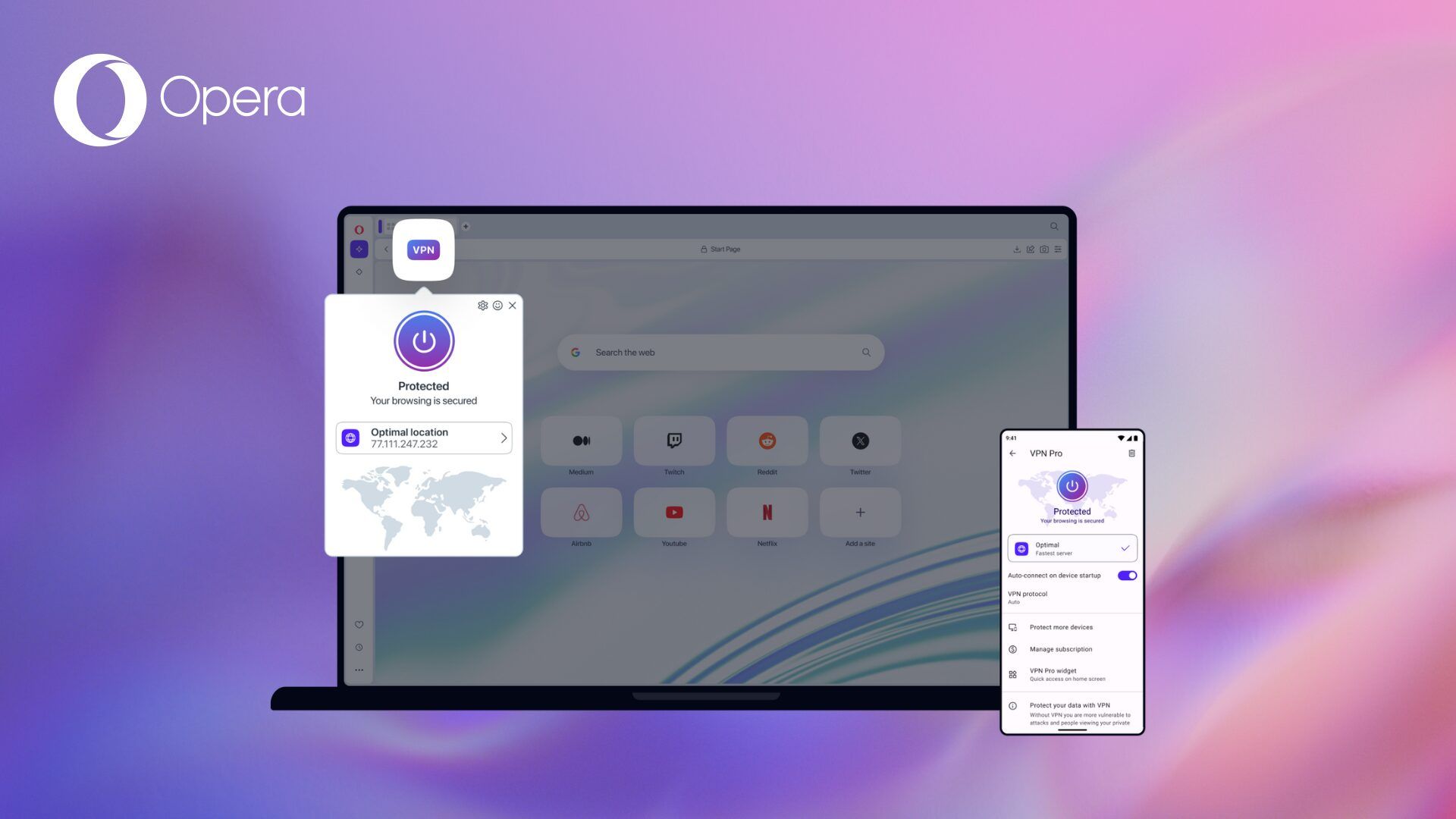
Top 5 Opera VPN extensions
1. Browsec VPN (Opera add-on)
- Why it’s used: It’s a dedicated VPN extension available in the Opera Add-ons catalog.
- Practical strengths: Simple on/off workflow and common “quick privacy” use cases (public Wi‑Fi browsing, changing IP for a site).
- What to verify: Provider logging policy, supported locations, and whether the free tier is sufficient for your speed needs.
2. Opera Free VPN (Opera add-on listing)
- Why it’s used: It’s listed in Opera Add-ons as an Opera-focused VPN option.
- Practical strengths: Usually chosen for convenience and Opera compatibility.
- What to verify: The extension’s permissions and the provider’s privacy policy before trusting it with sensitive browsing.
3. TunnelBear (often listed as Opera VPN plugin option)
- Why it’s used: Frequently included in “Opera VPN plugins” roundups as an option users consider.
- Practical strengths: Typically account-based and beginner-friendly, which can simplify setup across browsers.
- What to verify: Whether the extension is truly Opera-native or Opera-compatible (and how updates are delivered).
4. Hola VPN (often listed as Opera VPN plugin option)
- Why it’s used: Commonly appears in Opera VPN plugin lists for quick access use cases.
- Practical strengths: Easy entry point for simple browsing tasks where users want fast switching.
- What to verify: How traffic is routed and what it means for privacy, plus a careful read of terms and disclosures.
5. Avira Phantom VPN (often listed as Opera VPN plugin option)
- Why it’s used: Regularly included in Opera VPN plugin rankings as a recognizable brand option.
- Practical strengths: Straightforward “protected browsing” experience, often with tier-based location choices.
- What to verify: Data processing/logging statements and any limits in free tiers (speed, locations, quotas).
VPN comparison table (Opera)
| VPN / Extension | Type in Opera | Key technical points | Data/privacy & permissions risk | Legal / usage notes | Best for |
|---|---|---|---|---|---|
| Opera Free VPN | Built-in Opera feature (enabled in Settings) | “Free, unlimited” and works out of the box; can be toggled from the address bar; supports choosing a “virtual location”; can be used in private windows. | Still a browser feature: protects browsing sessions inside Opera, not other apps; provider trust still matters. | Must comply with local laws and the terms of websites/services accessed, even when using VPN. | Quick privacy on public Wi‑Fi and basic IP masking in Opera. |
| Browsec VPN | Opera extension (add-on) | Claims traffic encryption; allows IP change and choosing countries; free servers listed (US/UK/NL/SG) and premium claims higher speed and more countries; offers “Smart settings” per-site auto enable. | Extension explicitly states it has access to your data on all sites and also indicates broad capabilities like accessing tabs/browsing activity and proxy settings; this increases the importance of trusting the vendor. | Must follow applicable laws; also consider service terms for streaming/unblocking claims. | Users who need per-site rules and multiple locations, plus a free tier to test. |
| TunnelBear (commonly listed) | Typically browser extension (Opera-compatible) | Listed as an Opera VPN plugin option in third-party roundups; confirm current Opera availability and features on official pages. | Unknown from cited sources here; verify permissions and privacy policy before recommending. | Same general constraints: legality depends on jurisdiction and use case. | Brand-recognition option (verify Opera support first). |
| Hola (commonly listed) | Typically browser extension (Opera-compatible) | Listed in Opera VPN plugin roundups; confirm how it routes traffic and what “VPN/proxy” mode is used today. | Unknown from cited sources here; treat as high‑review requirement and verify terms, routing model, and permissions. | Same general constraints: legality depends on jurisdiction and use case. | Quick access use cases (only after due diligence). |
| Avira Phantom VPN (commonly listed) | Typically browser extension (Opera-compatible) | Listed in Opera VPN plugin roundups; confirm current Opera support, locations, and limits from official docs. | Unknown from cited sources here; check data collection and permissions before publishing. | Same general constraints: legality depends on jurisdiction and use case. | Simple “protected browsing” (verify details first). |
How to choose the right one (technical checklist)
Coverage: If you need protection for non-browser apps (messengers, system updates, other browsers), use a full VPN app instead of (or in addition to) an extension.
Permissions discipline: Extensions can request powerful permissions (e.g., access to tabs, browsing activity, history); choose minimal-permission tools and avoid “access on all sites” unless necessary.
Reliability: Expect occasional site breakage (banking, CAPTCHAs, logins) and prefer extensions that let you disable VPN per site or quickly whitelist a domain.
Installation and safe setup in Opera
Install from the Opera Add-ons store when possible, because Opera extension listings clearly show permissions like “access your data on all websites” and “access your tabs and browsing activity.”
After installation, review permissions carefully; Opera’s extension system supports explicit permission declarations in the extension manifest, and the permission list is a core signal of risk.
Keep your browser privacy settings sane (for example, Opera can send “Do Not Track” requests, though sites may ignore them).
Rules for using VPN extensions (usage policy)
Use only for lawful purposes and comply with the terms of the VPN provider and the websites you access (many services restrict circumvention of geo-blocking or automated access).
Do not treat VPN as anonymity: your accounts, cookies, device fingerprinting, and browser identifiers can still link activity to you even with a different IP.
Avoid sensitive operations on “unknown” free VPN extensions (banking, corporate email, admin panels) unless the provider’s privacy policy and reputation meet your needs.
Technical limitations (important reality checks)
Browser-only protection: Extensions protect only traffic inside the browser and won’t protect other apps, other browsers, or system traffic unless you run a full VPN client.
Potential proxy behavior: Some “VPN extensions” may function as proxies; that can change the security properties compared with a full VPN tunnel.
Leaks and identifiers: Even with a VPN extension, websites can still use cookies, trackers, and fingerprinting; consider pairing a VPN with tracker blocking.
Legal limitations (general, non-lawyer guidance)
Local laws vary: Some countries regulate or restrict VPN usage, and enforcement can change; check your jurisdiction’s rules before relying on a VPN for access.
Provider jurisdiction matters: Where the provider operates can affect data retention and lawful access requests, so read the privacy policy and terms.
Workplace/school compliance: Using VPNs may violate employer or campus policies even if it’s legal, especially on managed devices or networks.
User data safety (what to check before you trust an extension)
Read the privacy policy: Look for what data is collected, whether it’s shared, and how to opt out of analytics when available (some extensions explicitly describe opt-out options).
Treat permissions as a risk map: “Access your data on all websites,” “access tabs,” and “browsing activity” can be necessary for functionality but also increase exposure if the extension is compromised.
Prefer transparent, audited behavior: Tools that explain on-device analysis and “no external data sending” policies provide clearer trust signals (even if they are not VPNs, the privacy approach is a good benchmark).