
This article is for anyone who wants to use a VPN with a Smart TV to improve privacy, reduce ISP tracking/throttling risks, and access services while traveling or using region-limited apps. It also fits users whose TVs cannot install VPN apps, and therefore need router VPN or Smart DNS.
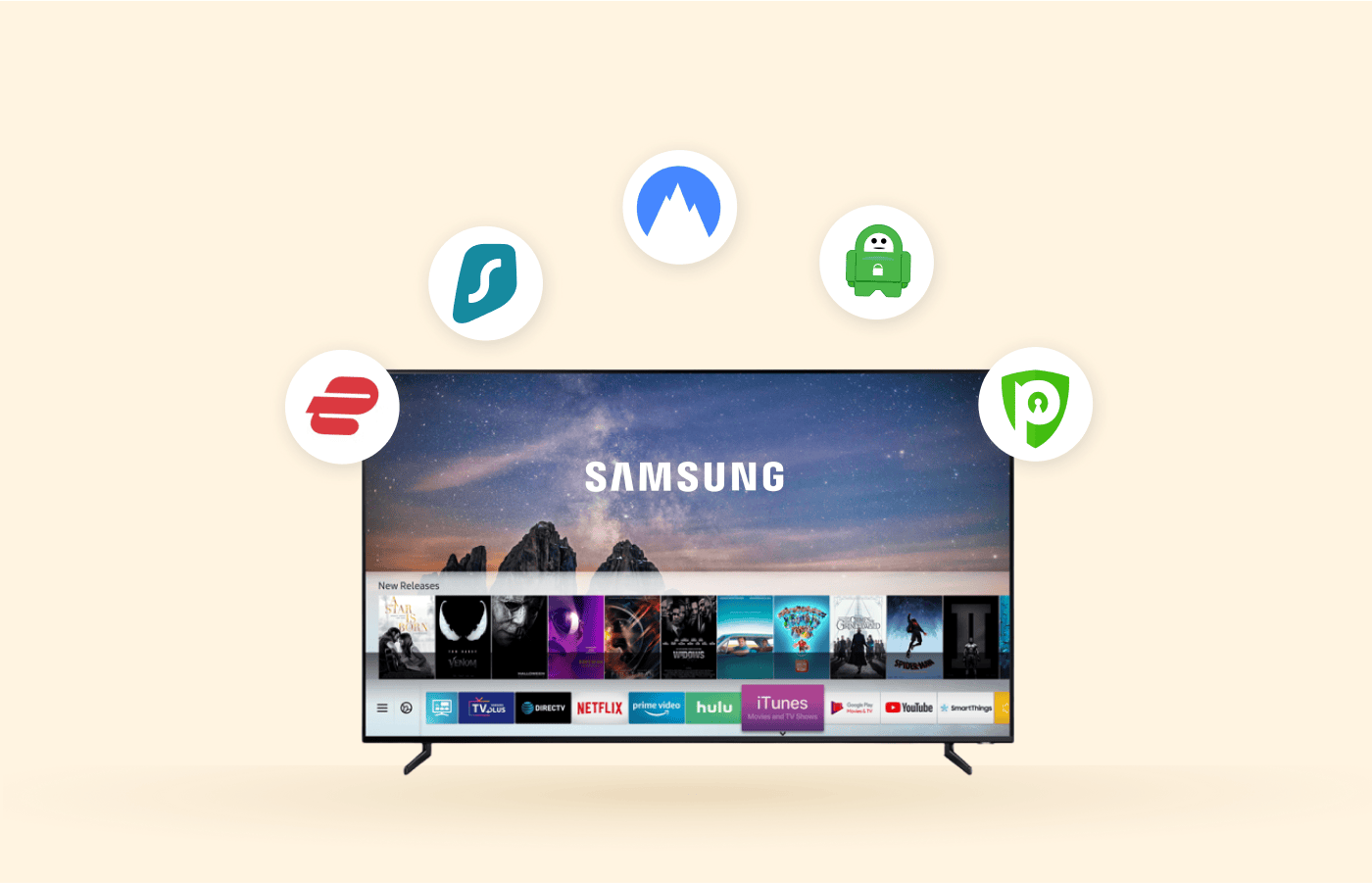
Top 5 VPNs for Smart TV (shortlist)
- NordVPN (privacy + audits/no-logs positioning; strong security feature set).
- ExpressVPN (native Apple TV app + Android TV improvements; Lightway protocol; large country coverage stated).
- CyberGhost (popular for streaming-focused server choices; good for beginners).
- Surfshark (household-friendly approach; often chosen for many devices).
- Proton VPN (privacy-focused option that’s commonly recommended as an alternative).
Smart TV VPN Comparison (2026)
The table below compares five popular VPN services for Smart TV use, focusing on what matters most for streaming: device compatibility (Android TV, Apple TV, or router setup), ease of installation, and everyday performance considerations. It also highlights key privacy and safety points plus practical limitations you should know before choosing a VPN for your home setup.
| VPN | Best for Smart TV platforms | Smart TV setup options | Streaming-focused features | Privacy / security notes | Limits / caveats |
|---|---|---|---|---|---|
| NordVPN | Android TV / Android TV boxes (incl. Fire TV stick, Chromecast with Google TV). | Native Android TV app via Google Play; connect and choose a server. | SmartPlay (VPN + SmartDNS) is described as automatically enabled on apps for safer access to streaming subscriptions. | Claims “no user activity tracking” and says policies were verified by independent practitioners; includes Threat Protection Pro (DNS filtering) and Dark Web Monitor (availability varies by platform). | Some features (e.g., Dark Web Monitor) may be accessible mainly on mobile/desktop, not TV app. |
| ExpressVPN | Apple TV (tvOS native app) + Android TV. | Native tvOS app; also supports Smart DNS and router setup for Apple TV use cases. | Designed for HD/4K streaming; uses Lightway protocol; servers in 105 countries. | Emphasizes privacy + encrypted tunnel; TV app reduces need for router-wide VPN if only Apple TV should be covered. | Apple TV VPN apps require tvOS support; streaming services may still detect/block VPN traffic. |
| CyberGhost | Mixed Smart TV households incl. TVs that don’t support VPN apps (e.g., LG), plus general device support. | Smart DNS for TVs that don’t support VPN apps; VPN apps for common platforms; also router use. | Markets “optimized” setup for streaming and wide server country coverage (100 countries). | Notes that server location impacts privacy and speed; promotes Smart DNS as an option for unsupported TVs. | Smart DNS is primarily for streaming/unblocking and is not equivalent to full VPN encryption/privacy. |
| Surfshark | Many devices in one household (multi-TV + phones/tablets). | Commonly used via Android TV app / Fire TV app and router setups (platform availability depends on device/region). | Often recommended for streaming + households because of unlimited simultaneous connections (provider positioning). | General VPN privacy benefits (encrypted traffic) depend on using VPN mode rather than DNS-only approaches. | Like all VPNs, can be blocked by streaming services; Smart TV compatibility depends on OS/device. |
| Proton VPN | Privacy-focused alternative for streaming setups. | Typically used via supported apps (Android TV via app ecosystem) or router, depending on device/region. | Often recommended as a “privacy-first” choice among mainstream VPN lists. | Strong privacy positioning is a key reason it appears on recommendation lists. | Confirm exact Smart TV app availability for your device model/region before purchase. |
How VPN works on Smart TV
A VPN routes your internet traffic through a VPN server in another location and encrypts traffic, which can reduce ISP visibility into what you do online and can help prevent throttling tied to certain services.
On Smart TV, the main limitation is platform support: some TVs can run apps (Android TV, Fire TV, Apple TV), while many “TV OS” platforms require router VPN or DNS-based workarounds.
Setup options (pick the right one)
- Native VPN app (best UX): Works on Android TV / Google TV devices and on Apple TV with tvOS 17+ when a provider offers a native app, letting you connect with a remote-friendly interface.
- Router VPN (best coverage): Puts the VPN on your Wi‑Fi router so the TV and all home devices use the VPN without installing anything on the TV.
- Smart DNS (best speed, less privacy): Smart DNS changes how location is presented to streaming services, and is typically faster/cheaper for streaming, but it is not “as secure” as VPN because it doesn’t provide the same privacy protection.
Step-by-step: Smart TV VPN installation
Android TV / Google TV / Fire TV (native app path):
- Install the VPN app from the device’s app store, sign in, choose a country/server, and connect.
- Prefer providers that support TV-friendly login (for example QR-based sign-in is described for ExpressVPN’s TV apps).
Apple TV (tvOS 17+) (native app path):
- Download the provider’s Apple TV app from the Apple TV App Store, sign in, then connect to the desired location.
- ExpressVPN states its Apple TV app is powered by its Lightway protocol and supports connecting to locations across 105 countries.
TVs without VPN app support (router path):
- Configure VPN on a compatible router so the TV uses VPN automatically when connected to your Wi‑Fi.
- ExpressVPN also markets a router approach (Aircove) to protect devices that can’t install VPN apps and to switch locations easily.
Smart DNS path (when VPN app/router is not possible):
- Set a Smart DNS provided by your vendor (or a DNS-based streaming tool) and select the target region; it can unlock catalogs while keeping streaming speeds high.
- Use Smart DNS only if privacy isn’t the top goal, since VPN is described as “far more secure” than Smart DNS for privacy/security.
Streaming rules and “how to use” policies (practical)
Follow each streaming service’s Terms of Use: VPN use may violate platform rules even if VPN use is not prohibited by local law, so access can stop when services detect VPN traffic.
Expect reliability changes: streaming providers frequently update VPN detection and blocking, so a “working” server today may not work tomorrow.
Avoid free VPNs for Smart TV use: DNS/VPN streaming sources warn that free services can be risky and may monetize by selling user data or cutting corners on security and performance.
Technical limitations and performance constraints
- Not every TV OS supports VPN apps, so compatibility is often about the streaming box (Android TV/Fire TV/Apple TV) or router support, not the TV panel brand itself.
- Smart DNS can be faster for streaming than VPN, but VPN provides stronger privacy/security features and encryption.
- In restrictive networks, VPN protocols can be blocked, so you may need more than one VPN option available if a provider stops working.
Legal limitations (Russia-focused, plain language)
Russia’s 2026 law discussed by digital-rights experts adds penalties tied to “searching for or accessing knowingly extremist materials,” including through VPN services, and increases risk around VPN-related behavior.
The same report says the rules do not introduce an outright ban on VPN usage, meaning VPN use can still be legal for legitimate purposes, but enforcement risk and uncertainty are rising.
The environment is especially sensitive around promotion/advertising of VPNs and “information about ways to circumvent internet restrictions,” which the report links to fines and removal pressures in app stores.
User data security (what to check before buying)
- No-logs policy and audits: NordVPN explains that the best no-logs VPNs have policies reviewed by independent practitioners, and it lists reviews by PwC (2018, 2020) and Deloitte (2022, 2023) validating its no-logs claim.
- Jurisdiction and data retention: NordVPN states it operates out of Panama and ties this to the idea that data retention isn’t mandatory there for VPN providers.
- Safety features: Look for encryption, leak protection, and a kill switch (TechRadar specifically recommends enabling kill switch “at all times” in the Russia context to reduce exposure if VPN drops).