
A VPN (Virtual Private Network) creates an encrypted tunnel between your Mac and a VPN server, helping reduce exposure on public Wi‑Fi, masking your IP address from websites, and limiting ISP-level visibility into your traffic destinations. It’s widely used on MacBooks for travel, remote work, and privacy, but it is not a “total anonymity” tool and it does not replace good security hygiene.
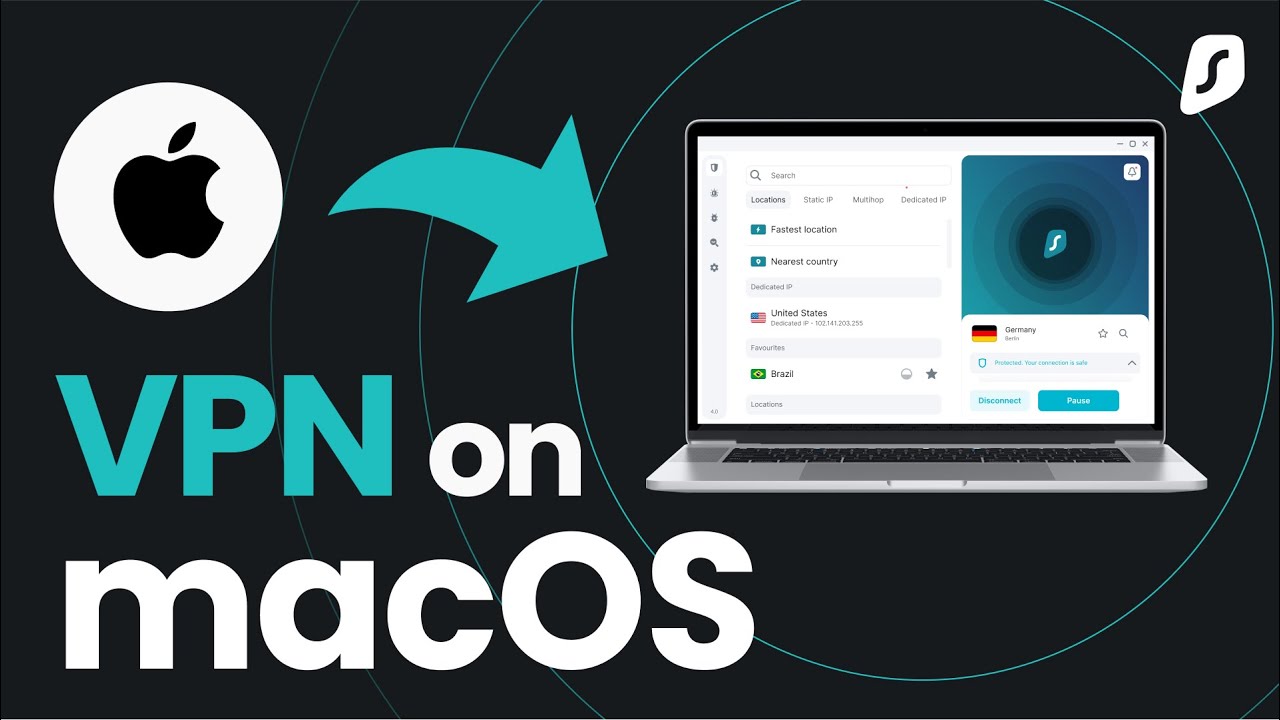
Top VPN services for Mac (shortlist)
These providers are commonly recommended for macOS users because they offer modern protocols, stable Mac apps, and core protections like a kill switch and leak prevention.
- ExpressVPN: Strong performance orientation and a proprietary protocol called Lightway; Lightway supports AES-256 and ChaCha20 encryption ciphers, with protocol selection available in the app.
- NordVPN: Uses NordLynx, a technology built around WireGuard; NordVPN describes a double NAT approach designed to make WireGuard-style performance work without storing identifiable data on the VPN server.
- Surfshark: Frequently positioned as a value option for multi-device households, with a simple macOS experience and broad features depending on plan.
- CyberGhost: Often chosen for ease of use and large server selection, suitable for beginners who want “click-and-connect” usage.
- Private Internet Access (PIA): Often chosen by advanced users for configurability and detailed settings control (when available on the platform).
- Proton VPN: Offers a free macOS option and promotes features like kill switch/always-on VPN and “no ads/no data limits” claims for the free plan.
- IPVanish: Commonly listed as a solid general-purpose VPN with macOS support and typical security features.
Top VPN Services for Mac in 2026: Feature Comparison Table
| VPN service | Recommended for Mac by major reviewers | Free plan | Notable protocol/tech mentioned in sources | Key safety feature (example) | Best fit (short) |
|---|---|---|---|---|---|
| Proton VPN | PCMag “Best VPNs for Mac” list | Yes (vendor offers free macOS VPN) | Strong free-plan positioning (no ads / no data limits claims) | Kill switch available on macOS (and other platforms) | Privacy-focused users; also a safer “free” starting point. |
| NordVPN | PCMag “Best VPNs for Mac” list | No (generally paid) | NordLynx (WireGuard-based) with double NAT design (vendor description) | Protocol design aimed at avoiding identifiable data persistence on servers (vendor claim) | Speed + feature set; general “all-rounder”. |
| ExpressVPN | PCMag “Best VPNs for Mac” list | No (generally paid) | Lightway protocol with advanced options; supports AES-256 and ChaCha20 | Strong encryption options via Lightway settings (as documented by vendor) | Premium “it just works” Mac experience. |
| CyberGhost | PCMag “Best VPNs for Mac” list | No (generally paid) | Listed as a top Mac VPN option by editors | Typical VPN protections expected in top-tier Mac picks (kill switch/leak protection vary by app/version) | Beginners who want an easy UI + big server choice. |
| IPVanish | PCMag “Best VPNs for Mac” list | No (generally paid) | Listed as a top Mac VPN option by editors | Standard VPN security feature set expected for major providers (verify in app) | General everyday use; P2P-friendly reputation in many guides. |
| Private Internet Access (PIA) | PCMag “Best VPNs for Mac” list | No (generally paid) | Listed as a top Mac VPN option by editors | Often chosen for configurability (confirm macOS feature parity) | Advanced users who want more settings control. |
| Surfshark | Frequently recommended in Mac VPN roundups (e.g., vpnMentor Mac list) | No (generally paid) | Commonly positioned as “value” in guides | Standard VPN protections expected (verify kill switch availability on macOS) | Families / many devices; budget-friendly choice. |
How to choose a VPN for Mac (technical checklist)
Pick based on protocols, safety features, and how the app behaves on macOS during real network changes (sleep/wake, Wi‑Fi switching, captive portals).
- Protocol support: Prefer WireGuard (or WireGuard-based variants like NordLynx), plus alternatives like OpenVPN or IKEv2 for compatibility; protocol choice affects speed, stability, and how well the VPN reconnects after network changes.
- Kill switch + always-on: A kill switch blocks internet access if the VPN drops, and “always-on”/auto-reconnect helps prevent accidental exposure when moving between networks.
- Leak protection: DNS/IPv6 leak protection is important so your Mac doesn’t reveal your real network identity while the VPN is “on.”
- Split tunneling (if offered on macOS): Useful for excluding trusted apps (banking, local services) while forcing browsers or work tools through the VPN; note that split tunneling availability varies by vendor and macOS version.
- Server quality (not just quantity): Nearby servers usually improve speed and latency; a huge server count is less useful if nearby options are overloaded.
- Transparency signals: Look for clear documentation, published security info, and realistic claims rather than “100% anonymous” marketing language.

Setup and safe daily use on macOS
The safest setup is the one that prevents accidental leaks when you forget to connect, your Mac sleeps, or the Wi‑Fi drops.
- Install the official macOS app from the vendor, sign in, and enable kill switch and auto-connect/always-on where available.
- Choose a protocol: if the app supports WireGuard/NordLynx/Lightway, start there for speed and stability; switch only if a network blocks it or you see reliability issues.
- Use “quick connect”/fastest server for everyday browsing, and choose specific countries only when you have a clear need (work resources, travel, regional services).
- Verify basic privacy health checks after setup: confirm your IP changes and test for DNS leaks using reputable online tools (the goal is to catch misconfiguration early).
Rules of use (user behavior policy for your page)
A VPN is a privacy tool, not a permission slip—your site should state clear rules so readers understand acceptable and safe usage.
- Follow local laws and the VPN provider’s Terms of Service; VPNs can be restricted or regulated depending on jurisdiction and use case.
- Don’t rely on a VPN to protect accounts: still use strong unique passwords and MFA; a VPN does not stop phishing or credential theft.
- Avoid unknown “free VPN” apps that monetize via ads or tracking; if using a free tier, choose a provider with clear privacy claims and a reputable track record.
- Don’t bypass workplace security policies: if your company forbids personal VPNs or requires a corporate VPN, comply to avoid access issues and disciplinary risk.
Technical and legal limitations (important to state plainly)
A high-quality guide must tell users what VPNs can’t do and what might still expose them.
- VPNs don’t make you invisible: websites can still track you via cookies, browser fingerprinting, logged-in accounts, and analytics; your IP is only one identifier.
- VPNs don’t guarantee access everywhere: some services and networks block VPN traffic, and some regions may restrict VPN usage or require approved providers.
- Performance trade-offs are normal: encryption and routing can reduce speed or increase latency, especially with distant servers or congested nodes.
- “No-logs” is a claim, not magic: treat “no logs” as a vendor promise unless backed by strong transparency/audits and consistent public evidence, and avoid absolute guarantees in your wording.
User data safety (security and privacy practices)
This section should help readers understand what data is protected, what data might still be collected, and how to reduce exposure.
- What a VPN protects: it encrypts traffic between your Mac and the VPN server, which helps on public Wi‑Fi and reduces ISP visibility into the sites you’re visiting (though not necessarily the content if the app/site isn’t using HTTPS).
- What a VPN provider can see: the provider can potentially see connection metadata and, depending on implementation and policies, may be able to correlate activity; choosing a reputable provider and minimizing data collection matters.
- Kill switch matters for privacy: if the tunnel drops and your Mac reconnects normally, your real IP can be exposed; a kill switch mitigates this by cutting connectivity until the VPN is restored.
- Protocol design impacts privacy engineering: NordVPN describes NordLynx as WireGuard-based with a double NAT design aimed at avoiding persistent storage of identifiable data on servers, addressing a known privacy concern in default WireGuard deployments.
- Free-plan safety signals (example): Proton VPN explicitly markets its free plan as having no ads, no data limits, and no logs of user activity (vendor claim), plus macOS features such as kill switch/always-on.
Secure Browsing You Can Count On
Discover our top certifications and security standards that guarantee your online safety and privacy.

Certified No-Logs Policy
We strictly do not keep any user activity logs, ensuring your browsing remains private and anonymous.

AES-256 Encryption Standard
Our VPN uses military-grade AES-256 encryption to protect your data from unauthorized access.

Independent Security Audits
Regular third-party audits confirm our commitment to maintaining top-tier security and reliability.