
This guide is for iPhone users who want privacy on public Wi‑Fi, safer everyday browsing, and more control over tracking and network interception risks.
It’s not a way to “become invisible,” and it doesn’t remove your legal responsibility for what you do online.
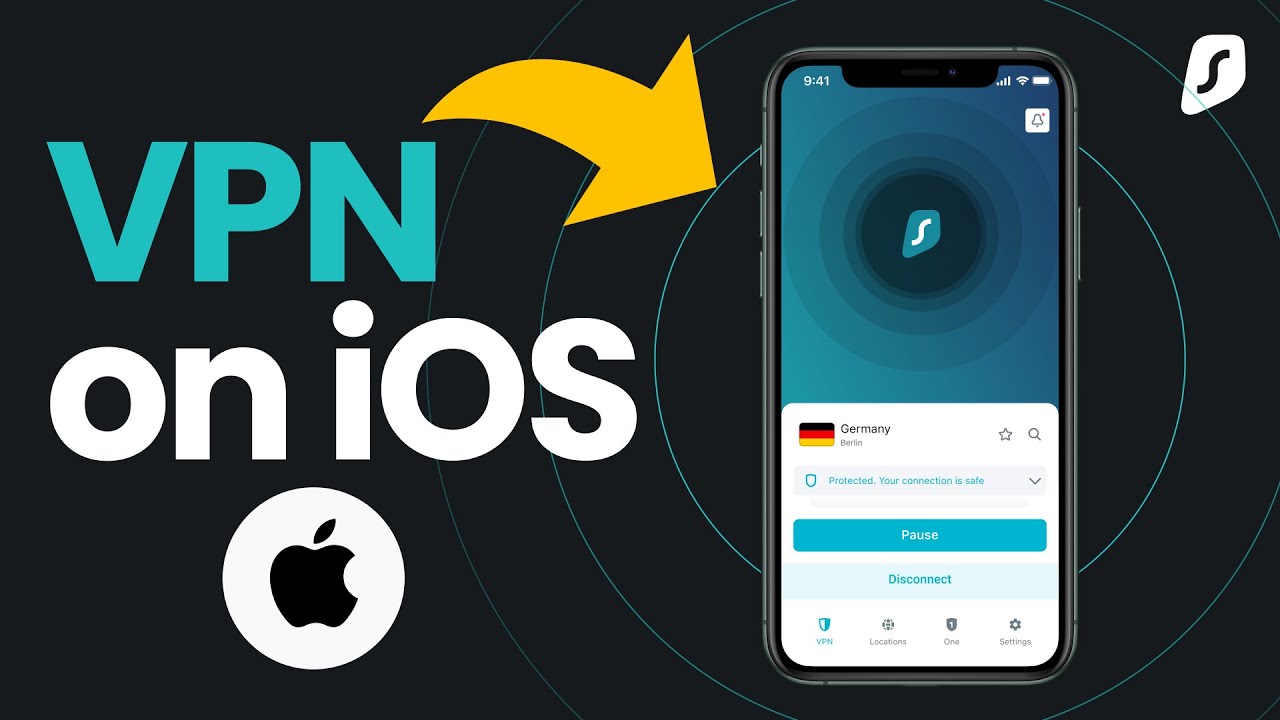
TOP‑10 iPhone VPN services (2026)
Below are strong candidates often recommended in 2026 iPhone VPN roundups, plus privacy-focused options that emphasize minimal data collection and/or audits.
- Mullvad VPN — Privacy-first signup (account number model), strict no-logging stance, and supports privacy-focused payments like cash; a strong pick if you want to minimize personal data exposure.
- Proton VPN — Switzerland-based and repeatedly independently audited “no-logs”; also positions itself around privacy and transparency.
- NordVPN — Popular iPhone choice with WireGuard-based performance (NordLynx) and a public no-logs audit narrative; commonly ranked highly for iOS speed/streaming use cases.
- ExpressVPN — Notable iOS “Network Protection” kill switch options (Standard/Advanced) to reduce leak risk if the VPN drops.
- Surfshark — Often positioned for value and broad usage, and has public references to independent “no-logs” auditing (Deloitte).
- IVPN — Publicly documented independent “no-logging” verification work (Cure53 scope described), making it appealing if you want audit-backed privacy claims.
- Windscribe — Publishes “no identifying logs” details (and states what minimal account usage data it keeps), plus transparency reporting; good if you want clarity on what’s stored.
- Private Internet Access (PIA) — Public reporting notes independent verification of no-logs claims (Deloitte) in recent years.
- CyberGhost — Frequently included in “best iPhone VPN” lists and has reporting around repeat “no-logs” audits.
- IPVanish — Included among top iPhone VPN recommendations in 2026 lists focused on speed and general usability.
Quick VPN Comparison (iPhone, 2026)
The table below compares popular iPhone VPN services by what matters most in real use: iOS security features (like a kill switch/leak protection), privacy signals (such as no-logs policies and audits), and practical legal or account limitations. Use it to shortlist 2–3 options that match your priorities (privacy, speed/streaming, or simple everyday protection) before you subscribe.
| VPN | Best for | iPhone/iOS security highlight | Privacy / logs posture | Legal/jurisdiction note (high level) | Signup & personal data footprint | Main trade-offs |
|---|---|---|---|---|---|---|
| Mullvad | Maximum privacy, minimal identity | Clear stance on not keeping activity logs; emphasizes privacy-friendly operations. | Publishes a detailed no-logging policy and what limited payment data may be stored (with deletion windows for some fields). | EU/GDPR context is referenced in its policy explanations around cash mail handling. | Account-number model; supports cash-by-mail with guidance not to write personal info. | Not the most “mainstream” UX/marketing; fewer consumer extras than big brands. |
| Proton VPN | Audit-backed privacy + transparency | Regular third-party no-logs audits discussed in public reporting. | Auditors confirmed no user data logging (as reported) and Proton positions audits as a safeguard against accidental logging. | Switzerland highlighted in reporting as having no mandatory data retention laws (context used in Proton audit coverage). | Typical account-based signup; privacy focus is a core brand message. | Some advanced features vary by plan; choose tier based on needs. |
| ExpressVPN | Kill switch & leak prevention on iPhone | iOS app has Standard and Advanced kill switch modes; Advanced blocks all traffic when VPN isn’t connected. | Kill switch behavior and limitations are documented (e.g., manual disconnect doesn’t trigger blocking). | Not a legal promise by itself; still subject to lawful requests depending on jurisdiction. | Standard commercial signup/payment. | Advanced kill switch may impact Apple features like Personal Hotspot/CarPlay (per their docs). |
| NordVPN | Strong all-round performance | Frequently recommended for iPhone in 2026 “best VPN” lists (speed/usability). | Publishes ongoing no-logs audit messaging on its site. | Company frames audits as validation; still evaluate based on your threat model. | Standard commercial signup/payment. | Feature set can feel complex; you may not need every add-on. |
| Surfshark | Value + broad everyday use | Listed among best iPhone VPNs in 2026 roundups. | Public sources discuss independent “no-logs” auditing (Deloitte mentioned in reporting). | Jurisdiction matters; read the privacy policy wording carefully. | Standard commercial signup/payment. | Privacy claims depend on policy + audit scope; verify what’s actually covered. |
| IVPN | Privacy-first with independent verification | Strong privacy posture; audit report exists (Cure53). | IVPN publicly states its no-logging claim was verified by independent audit. | Audit is a point-in-time/scope-limited control; consider what was audited. | Standard account model; privacy positioning is central. | Smaller brand; fewer “lifestyle” features than mass-market VPNs. |
| Windscribe | Flexible use + clear disclosure | “No identifying logs” is explained in provider materials (including what is and isn’t stored). | Explicitly describes its logging approach and limits for free/anti-abuse operation. | Court-related reporting has discussed how its no-logs policy can be examined in legal contexts. | Allows limited/optional-identification approach; check account requirements by plan. | Free-plan enforcement implies some data is used to manage limits; read details. |
How iPhone VPNs work (and what they don’t do)
On iOS, a VPN app creates an encrypted tunnel so your ISP and Wi‑Fi operator can’t easily read your traffic, while websites you visit still may see your device/browser fingerprint unless you take additional steps.
A VPN can reduce IP-based tracking and local-network attacks, but it can’t stop app-level tracking, account-based profiling, or malware if you install unsafe apps.
Technical checklist (iOS-specific)
Pick services that offer modern protocols and stable iOS behavior during network switching, because iPhones frequently move between Wi‑Fi and cellular connections.
Use WireGuard when possible for speed/efficiency, and confirm the provider supports it well on iOS (many top picks do, sometimes under a branded name like NordLynx).
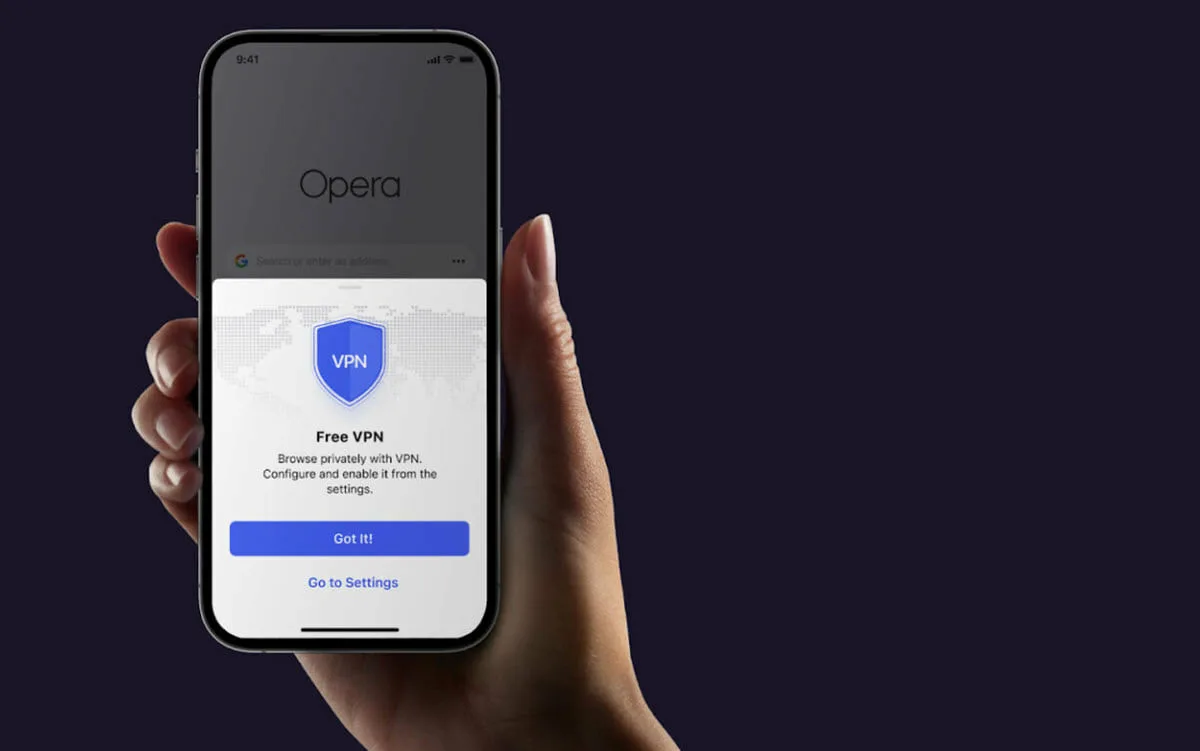
Enable an iOS kill switch (if available) to reduce the chance of accidental IP exposure when the VPN disconnects.
Rules, limits, and data safety
Rules of use (practical + policy)
Follow the provider’s acceptable-use rules: abuse, spam, or attacks can lead to termination even if a service advertises “no-logs.”
Don’t use a VPN to do illegal activity; real-world cases and reporting emphasize that reputable providers oppose illegal use, even when they design systems to minimize identifiable logging.
Technical limitations (what can still leak)
“No-logs” doesn’t mean “no data exists anywhere”: billing records, app diagnostics, and anti-abuse limits can still create traces, so reduce your signup footprint if that matters (e.g., optional email, privacy-focused payments).
Audits are valuable but not magical—some providers explicitly note audits are a snapshot in time and scope-limited, so use audits as one signal alongside transparency and track record.
Legal considerations (jurisdiction + requests)
Where a VPN company is based affects which legal processes it must respond to, and providers often highlight jurisdiction as a privacy factor (for example, Proton emphasizes Switzerland and its approach to retention).
Some providers publicly claim they can’t comply with certain requests because they don’t hold relevant identifying connection logs; Windscribe describes this logic and also discloses limited usage data retained for free-plan enforcement.
User data safety (what “good” looks like)
Prefer providers that back privacy claims with independent audits (examples: IVPN’s Cure53 report and Proton’s repeated no-logs audits noted in reporting).
Choose apps with iOS leak protection (kill switch) and clear documentation on preventing leaks or unsafe configurations.